Vision Board
How to make a vision board in 5 steps, on paper or on your phone
Pick three areas of your life, find pictures of the moments you want, lay them out and put the board where you'll see it. Five steps, a supply list, a checklist and a 20-minute version for tonight.

On this page
- What do you need to make a vision board?
- Step 1: Which goals go on your vision board?
- Step 2: Where do you find pictures for a vision board?
- Step 3: How do you lay out a vision board?
- Step 4: Should you make it on paper or on your phone?
- Step 5: How do you use your vision board every day?
- Your vision board checklist
- What you need
- The five steps
- The 20-minute version
I've made vision boards since my teens, dozens of them, and I've been building VISIYA, a vision board app for iPhone and iPad, since 2022.
So here's the honest part first: a board won't manifest anything for you. What it does is make you sit down and decide what you actually want. Then it keeps that in front of you, so you act on it more often.
Here are the five steps, on poster board or on your phone. The checklist at the end has a 20-minute version, in case tonight is all you've got.
What do you need to make a vision board?
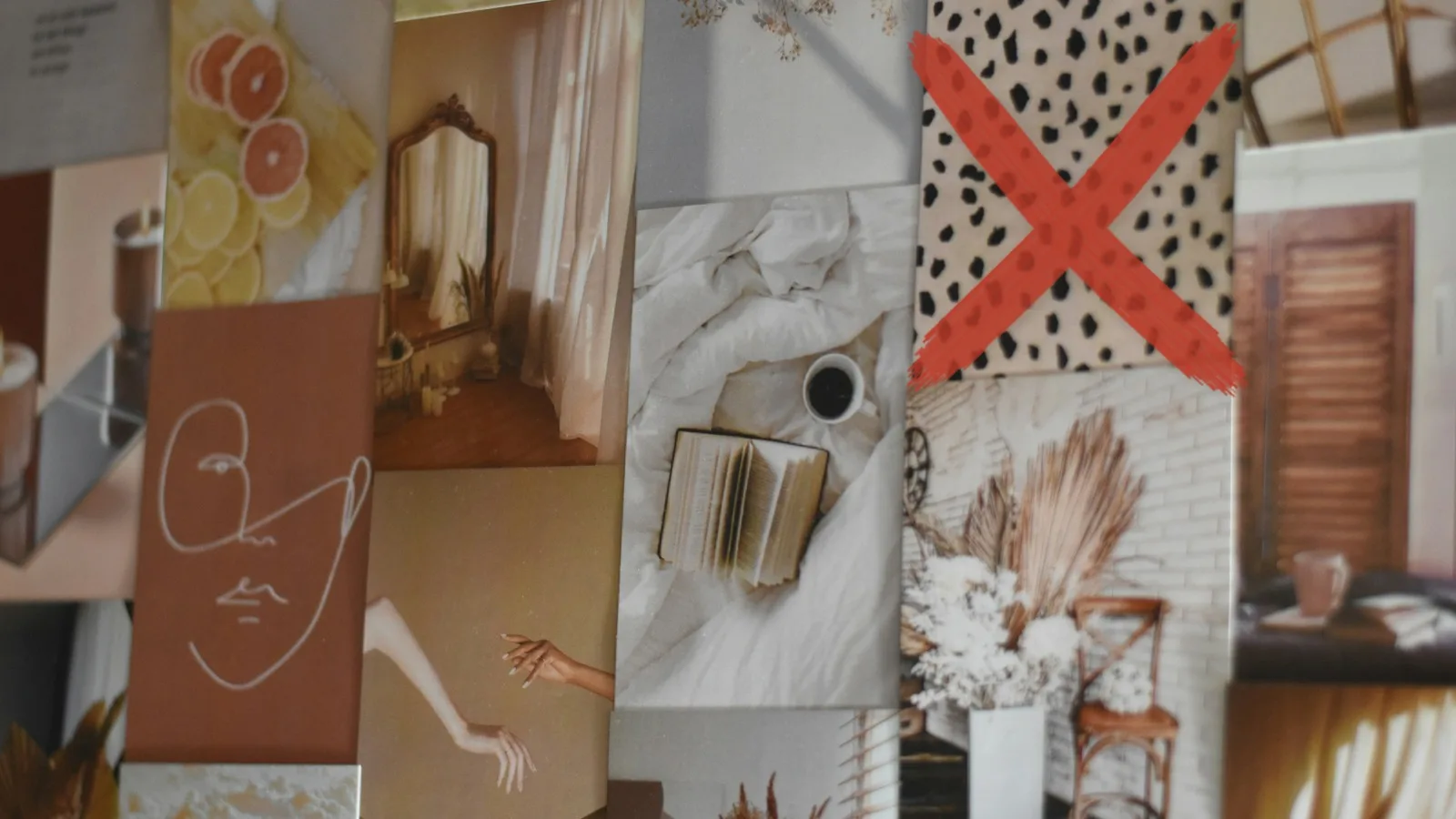
For paper, you need a poster board, scissors, glue, a marker and a stack of pictures. For your phone, you need the photos you already have and an app or a Photos album to collect them in.
One trip to Michaels, Target or Dollar Tree covers the paper version:
- Poster board or foam board (or a cork board, if you'd like to swap pictures later)
- Old magazines, catalogs and printed photos (Walgreens and CVS print same-day)
- Scissors, plus a glue stick or pushpins
- A marker or two, and washi tape if you like it
You don't need a $50 stationery haul. A folder of screenshots on your phone does the same job as a handmade collage. For the full shopping list, see my vision board supplies page.
Step 1: Which goals go on your vision board?
Pick the three areas of your life that matter most right now, with up to three goals in each. A board where health, love, money, career, home and travel all compete for attention says nothing.
Not sure which three? Score every area first with the free Wheel of Life board (in the app it's called Wheel of Balance). The lowest scores usually show you where to start.
Then make each goal concrete: what, how much, by when. The SMART method helps (Specific, Measurable, Achievable, Relevant, Time-bound). "Save $3,000 by June" gives you something to do on a Tuesday. "Be better with money" doesn't.
If money is one of your areas, my money vision board post works through goals with real numbers.

I actually start one step earlier. Before I set any goals, I write down my six most important values, each as a full sentence, not a one-word heading. They're my filter: a goal that doesn't fit any of them stays off the board.
What years of my own boards taught me:
- Write down feelings too. "How do I want to feel in my body?" goes further than "lose 10 pounds." Behind a promotion there's usually a need, like being seen or having more freedom. Put that on the board.
- Check that the wishes are yours. Not your mom's, not your partner's, and not Instagram's.
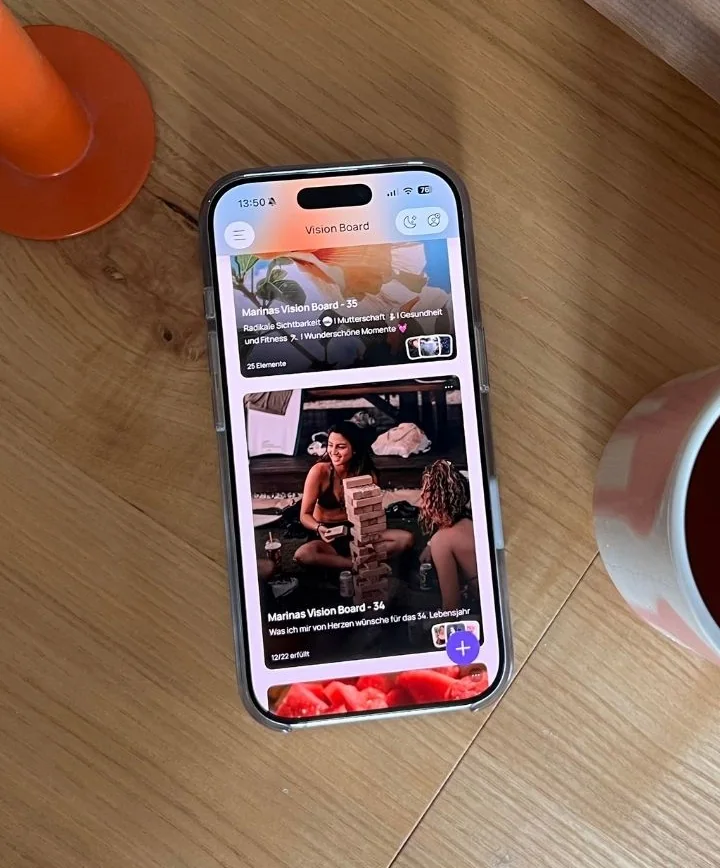
- Give the year a motto. A color, a song or one sentence. One year mine was simply "Pink." For the year I turn 35, it's "Radical visibility."
Last, write down what's in your way. Psychologist Gabriele Oettingen (NYU and the University of Hamburg) found that the more people indulged in rosy daydreams about the future, the less effort they put in and the less they achieved.
What works better is picturing the wish and the best outcome, then the obstacle, then a plan. She calls it WOOP: Wish, Outcome, Obstacle, Plan.
I write my list around my birthday every year. I look at what came true and what didn't, without judging either one, and then I make one board for the new year of my life.
Step 2: Where do you find pictures for a vision board?
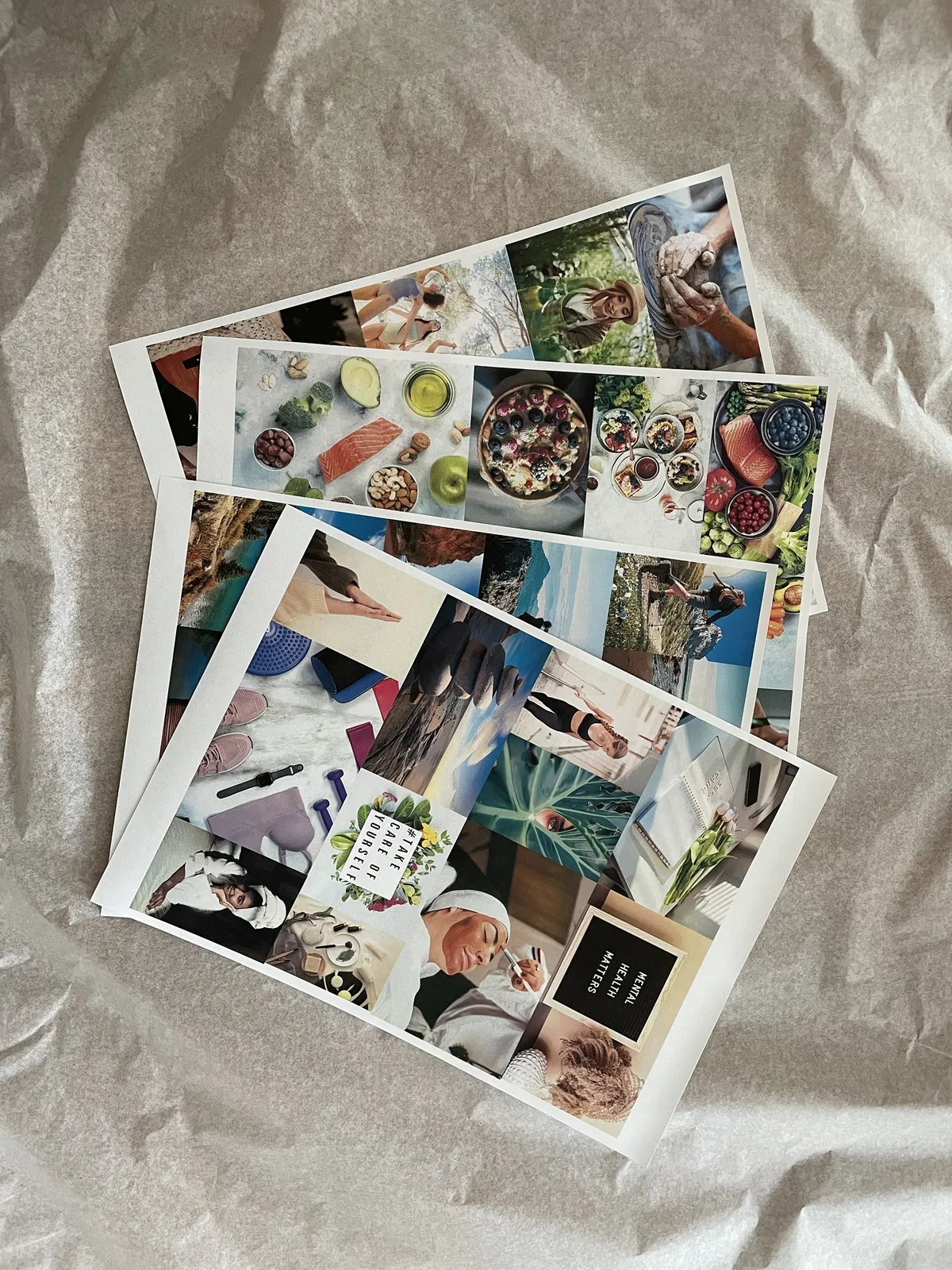
Start with your own camera roll, then Pinterest, magazines and printed photos. Aim for three to five pictures per area, so about 9 to 15 in total.
Look for pictures of the moment you want to live: you on the trail, the kitchen table full of friends, your desk in the new apartment. A trophy or a stack of cash says very little about your life. And your own photos beat strangers' faces.
Good places to look:
- Your camera roll and old photo albums
- Pinterest (here's how to make a vision board on Pinterest)
- Magazines and catalogs
- My list of vision board ideas, if you're stuck
Collect for a few days in an envelope or a Photos album before you glue.
Then add words. Write one short line per area, in your own words and in the present tense, something you can believe: "I'm strong enough to hike the whole loop." Put a real number or date next to each goal.
Step 3: How do you lay out a vision board?
Give each area its own zone, put yourself in the middle and leave some white space. The biggest picture goes to the goal that matters most.
- One zone per area. Three areas, three zones.
- A photo of you in the center. If you're not the main character on your board, whose life are you planning? Some people put their word for the year there. On the Feng Shui Bagua map, the center stands for grounding.
- White space. It lets the eye rest.
- A dry run before the glue. Lay everything out, snap a photo, move things around, then glue.
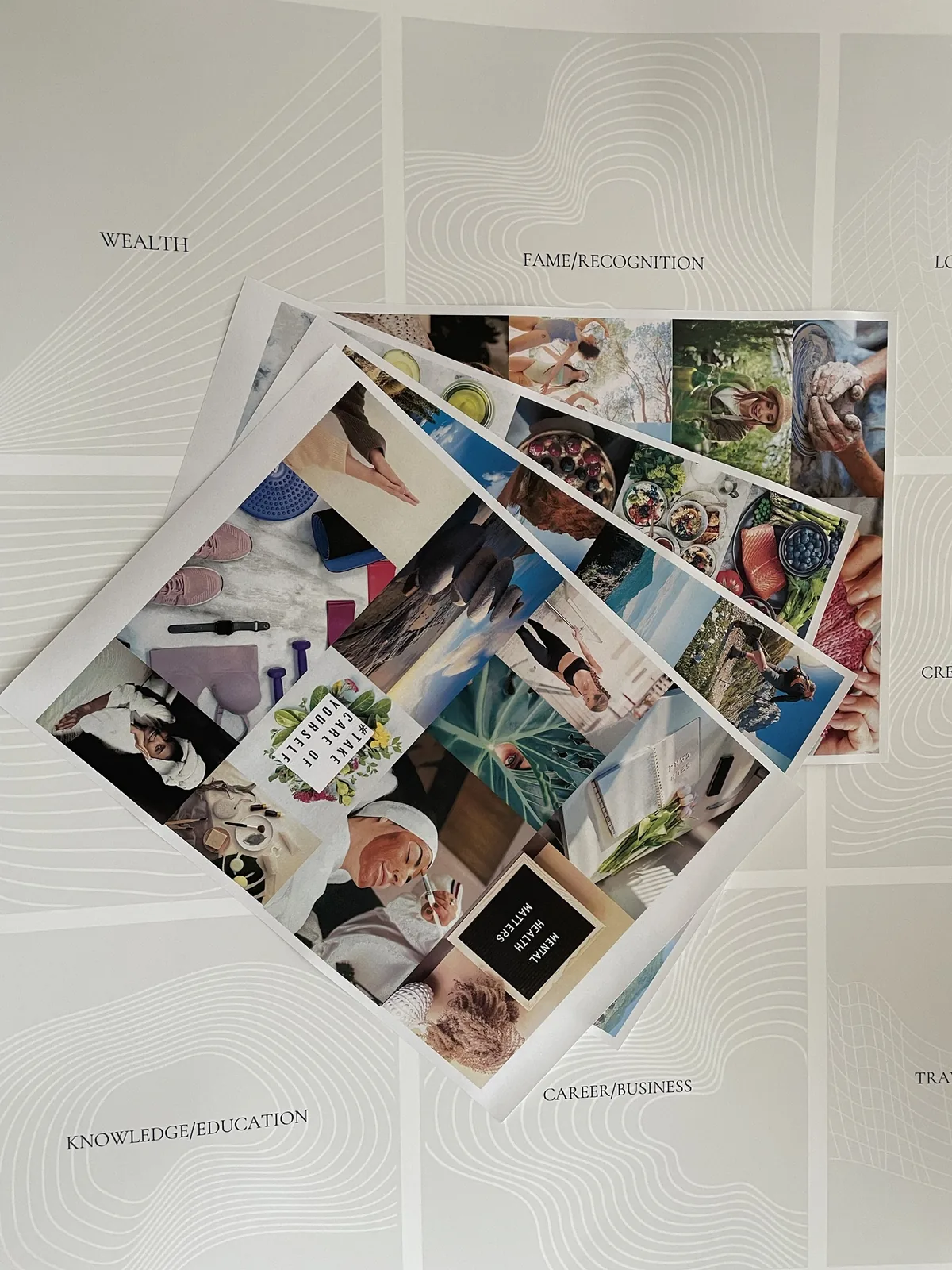
Want a layout that's ready to go? Browse the free vision board templates, or read about the types of vision boards to find the shape that suits you.
Make it a small ritual. Block out real time, make hot cocoa or tea, put on music and set your phone to Do Not Disturb. It also makes a great craft night with friends, for Galentine's Day or any Friday: here's how to throw a vision board party.
Step 4: Should you make it on paper or on your phone?
Pick the one you'll look at more: paper on a wall you pass every day, or your phone, which goes everywhere and stays private.
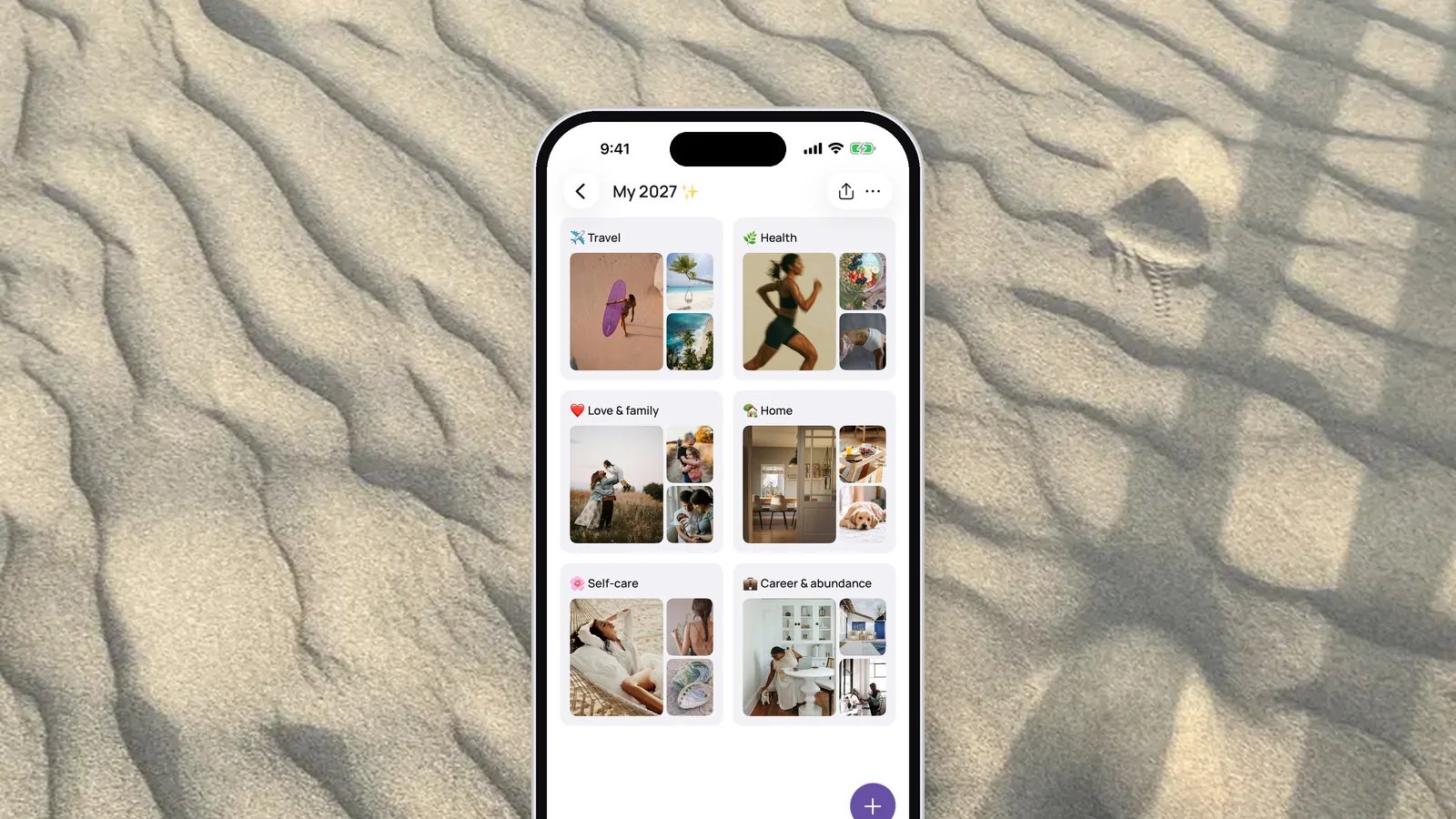
In VISIYA, your first board takes about a minute, because the app asks what you want to manifest (up to three areas) and suggests pictures. One board is free for good: your own, or one of the six free templates.
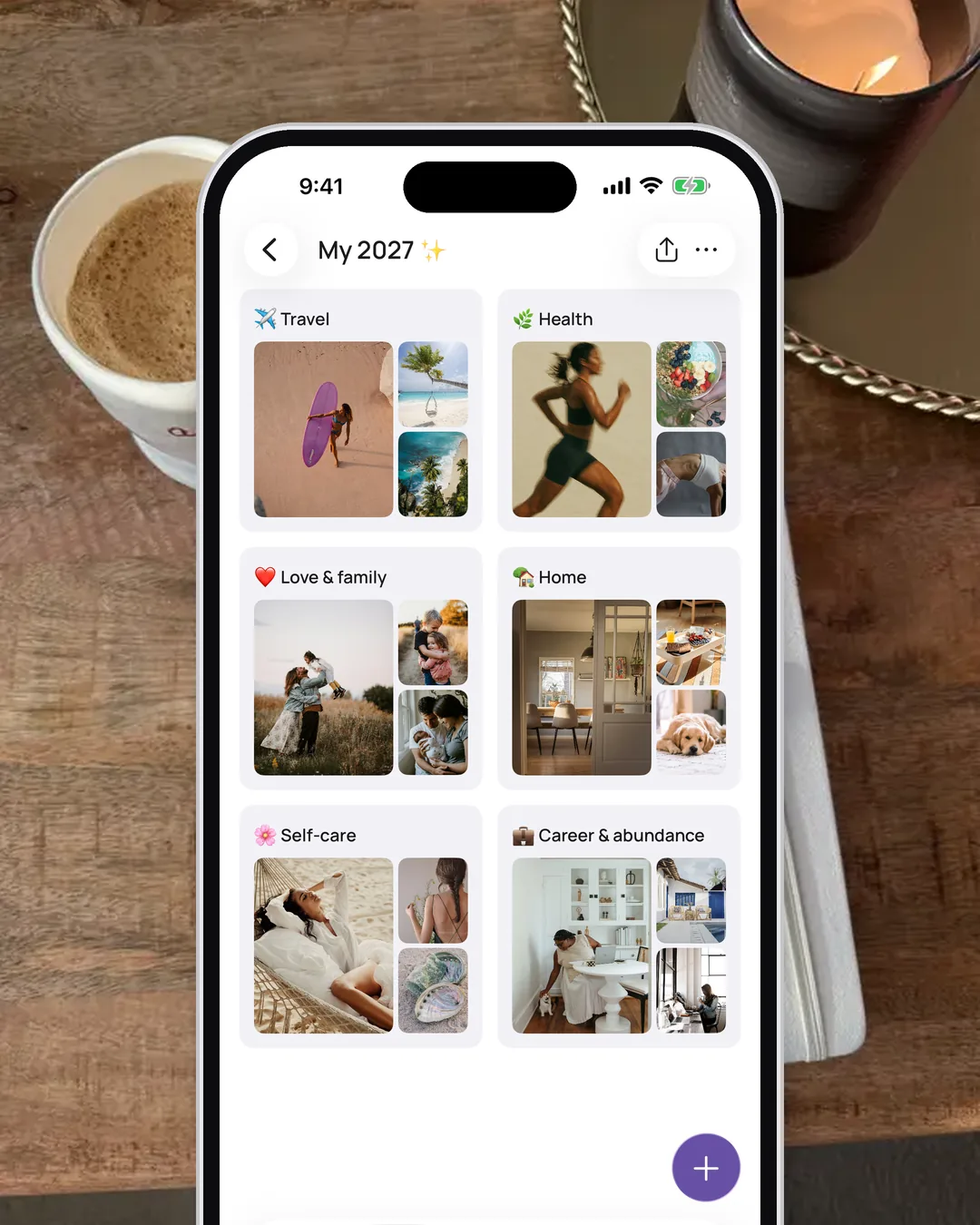
Here's how to make a vision board on your phone, step by step.

 Scan to download VISIYA on the App Store
Step 5: How do you use your vision board every day?
Put it where your eyes land several times a day and look at it for a minute each morning. Once a week, ask yourself: what's one step I can take this week?
Good spots are next to the bathroom mirror, above your desk or inside your closet door if you'd rather keep it private. On your phone, that's your lock screen and a home screen widget.
Activate it right away. On the day you make your board, make one small wish from it come true: buy the book, take the walk, send the message. More ideas in how to activate a vision board.
Keep it in sight. For me, that's a home screen widget. I learned this with Aethel, a mood board app I also make: I opened my board there maybe once a month, but I saw its widget more than 20 times a day.
On a day off in July, I was about to run to the drugstore. Then the widget showed me a pick-your-own flower field, and I drove out there instead.
In VISIYA, the widget is part of VISIYA Plus and cycles through all your pictures. Without Plus, it shows just the first picture.
VISIYA Plus is a one-time purchase with no subscription. It also adds more boards, the ready-made Plus templates and the option to save your board as lock-screen wallpaper.
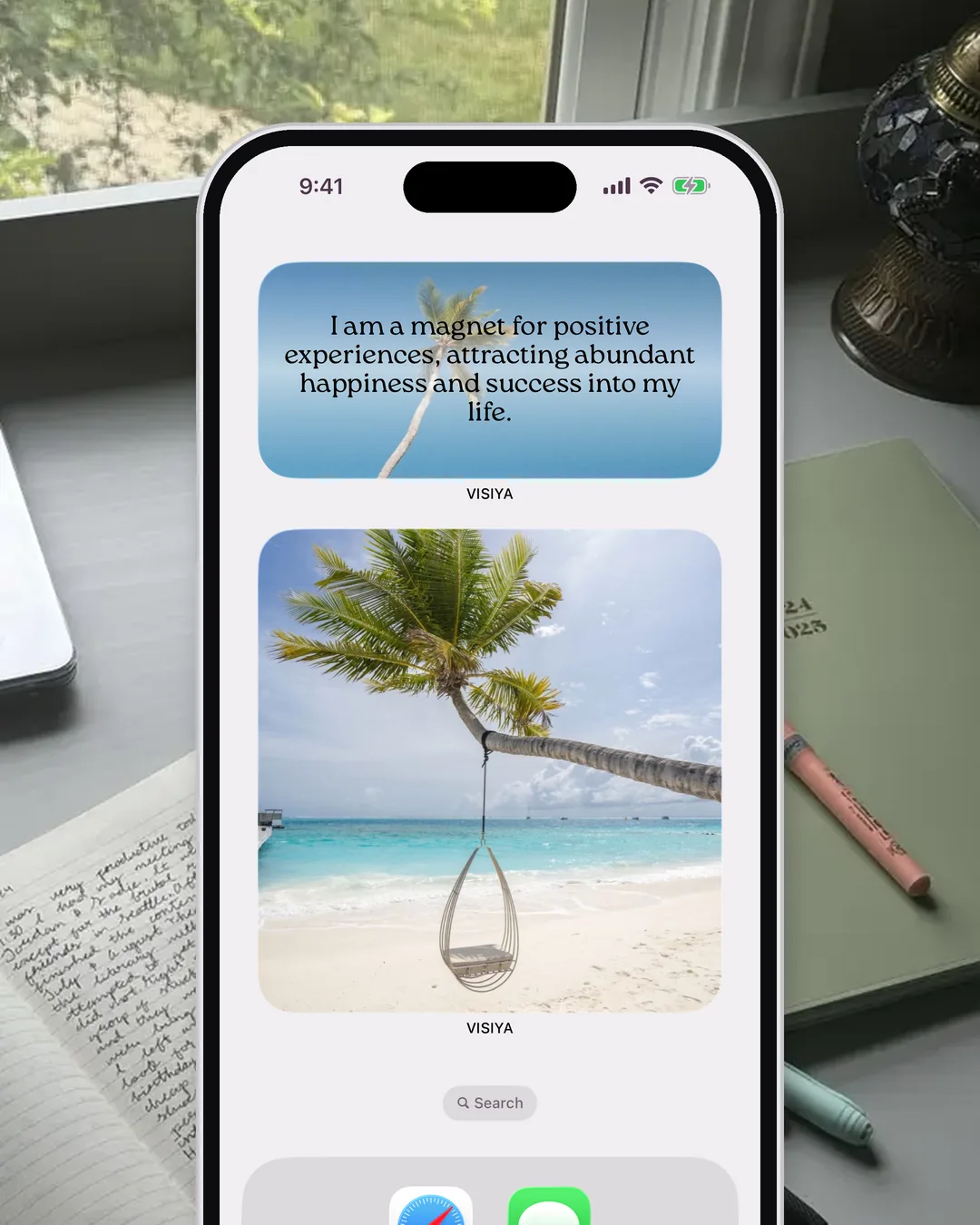
Check off a wish the evening it comes true. In the app, tap "Mark as fulfilled." On paper, a check mark in marker does it. That little moment is your reward.
Try a seasonal list. Early one July, I made a list of six summer wishes in Aethel, one picture each: the flower field, a painting, a day at the lake, a workout outdoors, writing and time outside with my baby. By the end of August, every one was checked off.
A short list works because it has an end date. In VISIYA, the Summer Bucket List template (Plus) starts you off with four summer areas, or you can make your own board with one area per wish.
Expect about half. That's my honest number: about half of what goes on my yearly board comes true. The board for the year I turned 34 shows 12 of 22 wishes fulfilled. "New friendships" never happened. The friendships I already had grew deeper instead.
The universe never delivered anything to me. I did the delivering, and the board kept reminding me what to deliver. If you want the evidence behind that, read do vision boards work?
Review your board every three months and plan for it to run about a year. Start whenever you like. I prefer my birthday to January 1, when everyone else is writing resolutions. If New Year's or a new moon feels right to you, start then. Any fresh start works.
Your vision board checklist
What you need
- Poster board, foam board or cork board
- Magazines, catalogs or printed photos
- Scissors, a glue stick or pushpins, a marker
- Or just your phone: an album in Photos or the VISIYA app
The five steps
- Pick 3 life areas and up to 3 goals each: what, how much, by when
- Collect 3 to 5 pictures per area, plus one photo of you
- Lay it out in zones with you in the center, do a dry run, then glue
- Choose paper or phone, whichever you'll see more
- Put it where you look every day and fulfill one small wish today
The 20-minute version
- 2 minutes: pick your 3 areas
- 8 minutes: collect 9 pictures, 3 per area
- 5 minutes: lay them out
- 3 minutes: write one line per area, plus what's in your way
- 2 minutes: put it where you'll see it
Print it: the vision board checklist as a one-page PDF, free, no email needed.
You don't need a perfect board. Take 20 minutes tonight. You don't have to wait for January 1.
Frequently asked questions
How many pictures should be on a vision board?
About three to five per life area. With three areas, that's 9 to 15 pictures, enough to fill a poster board and still leave some white space. More pictures don't make a board stronger; a crowded board is harder to take in at a glance.
Where should I put my vision board?
Somewhere your eyes land several times a day: next to the bathroom mirror, above your desk or inside your closet door if you'd rather keep it private. A digital board works best as your lock screen or a home screen widget, since you look at your phone all day.
Do vision boards actually work?
A vision board won't make anything happen on its own. It helps you decide what you want and keeps it in front of you, so you act on it more often. Research by psychologist Gabriele Oettingen suggests pairing the wish with an honest look at what's in your way and a plan. On my own boards, about half of my wishes come true.
Should I make a paper or a digital vision board?
Whichever one you'll look at more. Paper is great for a wall you pass every day and for a craft night with friends. A board on your phone goes everywhere with you and stays private.
How long should a vision board last?
Most boards run about a year. Review yours every three months and update it as things change. A seasonal board, like a summer bucket list, can be even more motivating because it has a clear end date.
Is there a free vision board app?
Yes. VISIYA is a vision board app for iPhone and iPad, and one board is free for good: either your own (photos, notes and links) or one of the six free templates. VISIYA Plus is a one-time purchase with no subscription and adds more boards, the ready-made Plus templates, the widget and the option to save your board as lock-screen wallpaper.