
Affirmations
Daily affirmations, right on your home screen
Most of us reach for our phones before we’re out of bed. Make the first thing you read a kind one. Choose 2 to 10 topics, and VISIYA brings you a new affirmation from them every morning, on your home screen too. Six of the 40 topics are free.

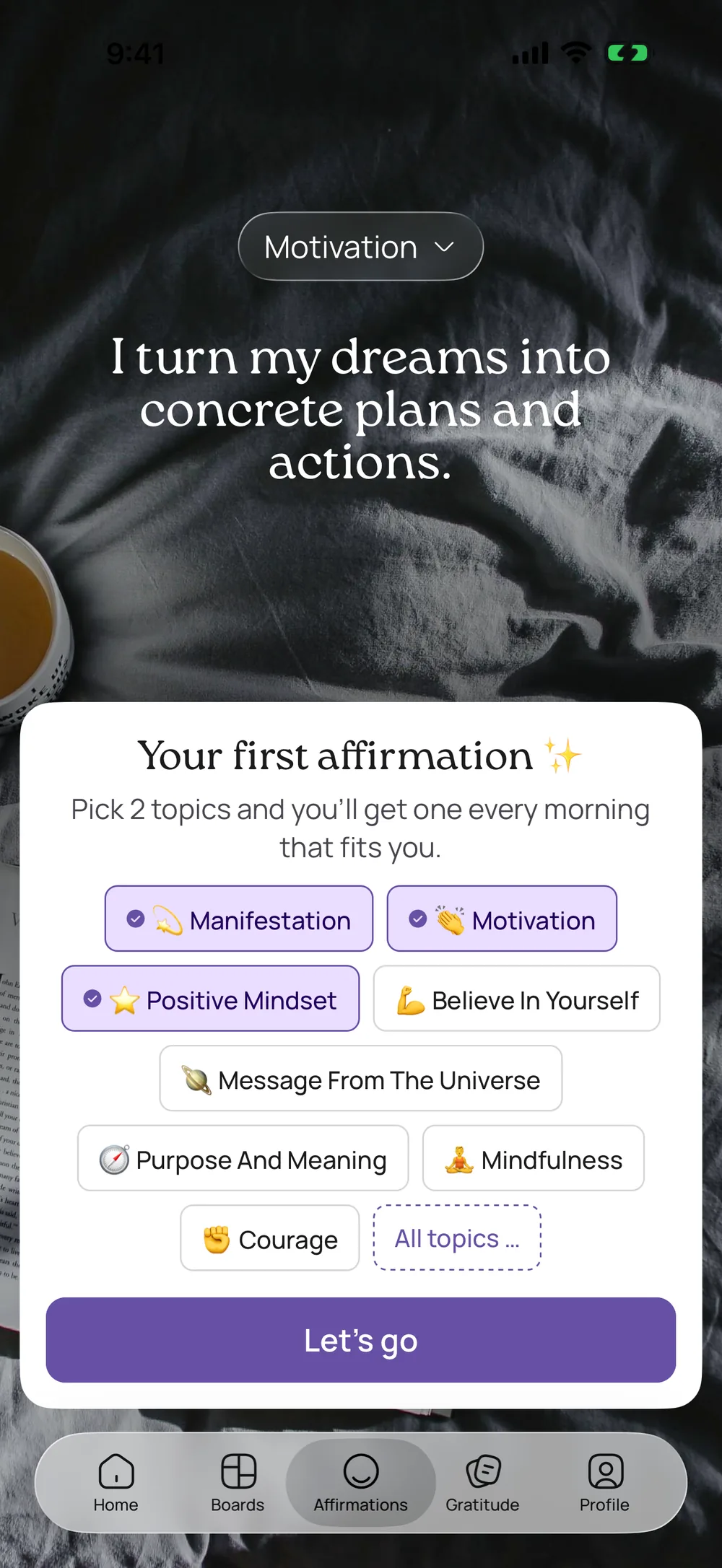
How affirmations work in VISIYA
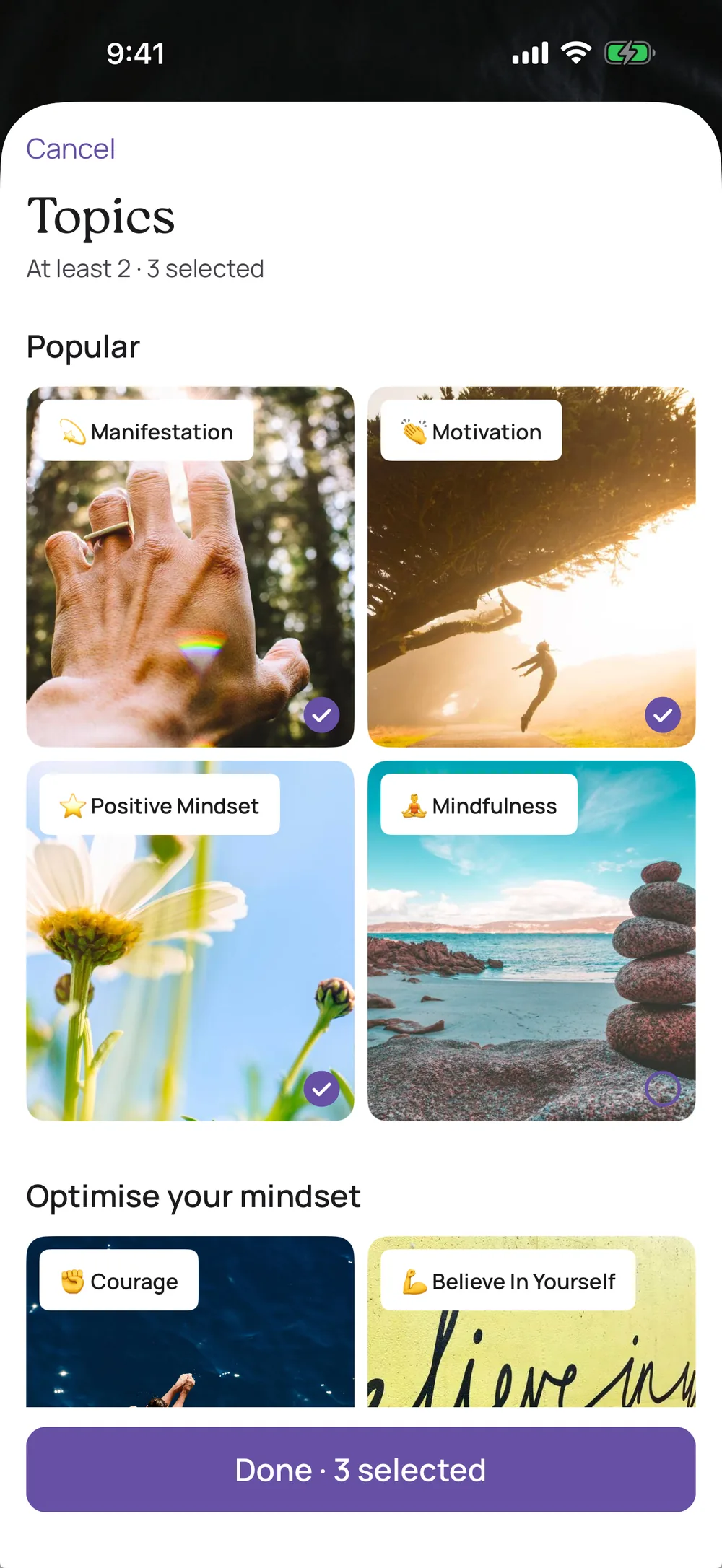
40 topics, 3,244 affirmations
From Self-Love and Wealth to Letting Go. Six topics with 841 affirmations are free, and VISIYA Plus opens all 40. Curious about a Plus topic? Tap it to read one of its affirmations first.
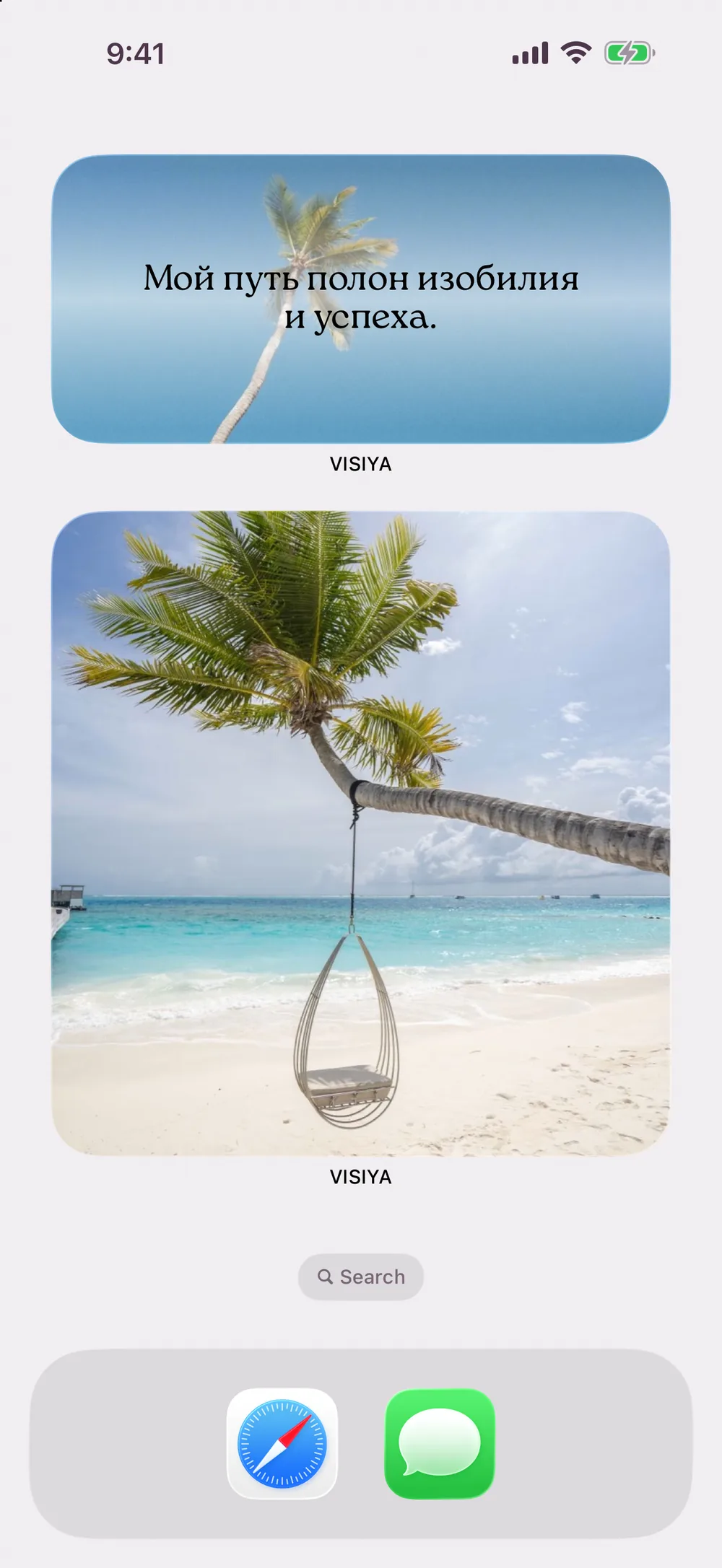
A widget for your home screen
The affirmation widget comes in small, medium and large and uses the background and font you picked. It’s free and shows affirmations from your free topics, or from all 40 with Plus. There’s no lock screen affirmation widget.
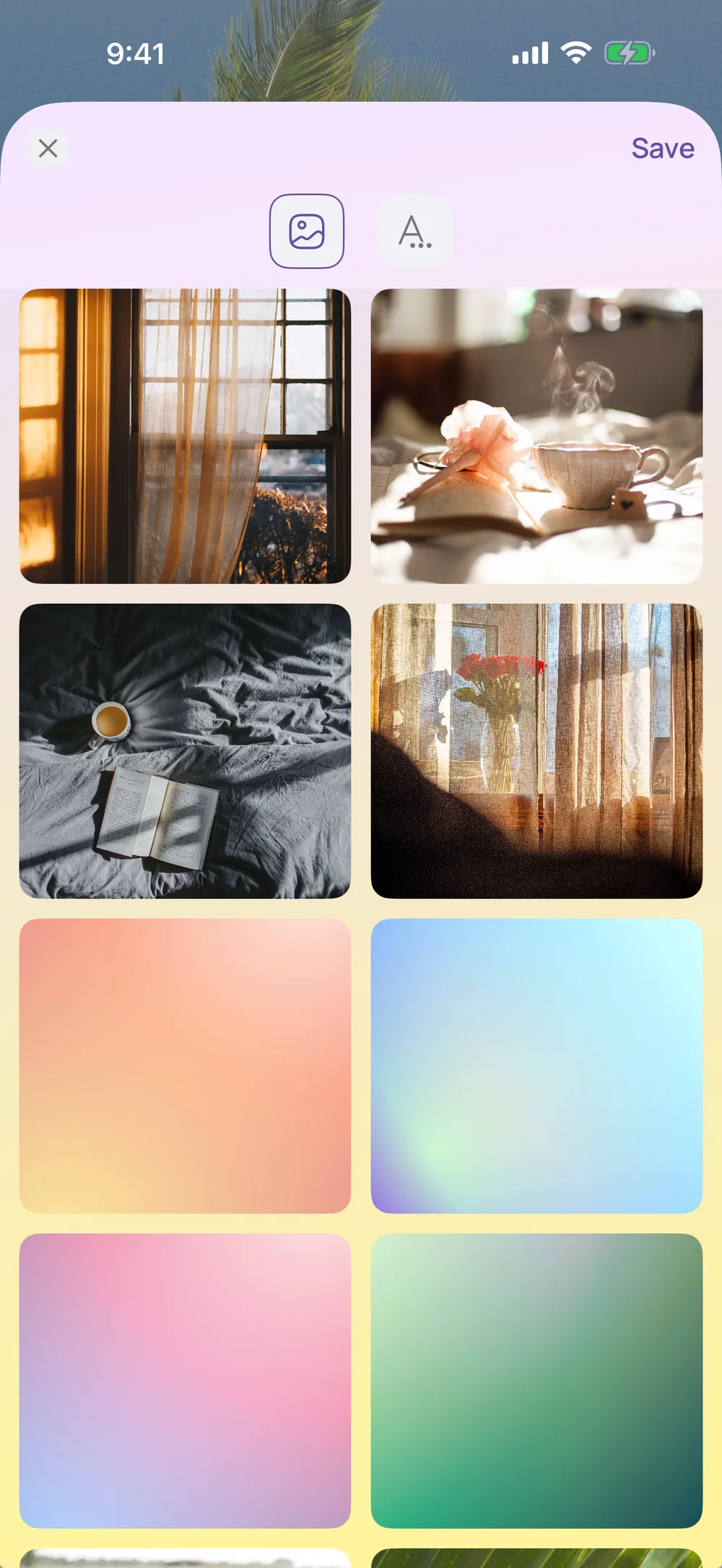
Background & font
Tap Background & font to choose how your affirmations look. Some backgrounds and fonts are part of VISIYA Plus.
Pick 2 to 10 topics
Choose at least two topics and up to ten. Your daily affirmation comes from those, and you can change them whenever you like.
Affirmations on your vision board
Found one you want to keep? Tap the heart, then open Favorites and choose Add to board. It shows up on your vision board as a note.
Share one
Send an affirmation as an image to a friend before her big interview, or post it to your story.
All 40 topics
These are the topic names you’ll see in the app. The first six are free, and VISIYA Plus adds the other 34.
Free
- Positive Mindset
- Believe In Yourself
- Motivation
- Manifestation
- Purpose And Meaning
- Message From The Universe
VISIYA Plus
- Gratitude
- Calming Fears
- Success
- Mindfulness
- Happiness
- Personal Growth
- Learning And Studying
- Advancing In Career
- Increase In Focus
- Wealth
- Own Business
- Creativity And Inspiration
- Self-Love
- Attracting Love
- Healthy Relationships
- Friendships
- Confidence Around People
- Parenting
- Healthy Lifestyle
- Body Positivity
- Weight Loss
- Healing
- Embracing Change
- Inner Peace
- Overcoming Hard Times
- Keep Going
- Letting Go
- Starting A New Life
- Stress Relief
- Faith, Hope And Trust
- Spiritual Awakening
- Travel
- Family
- Courage
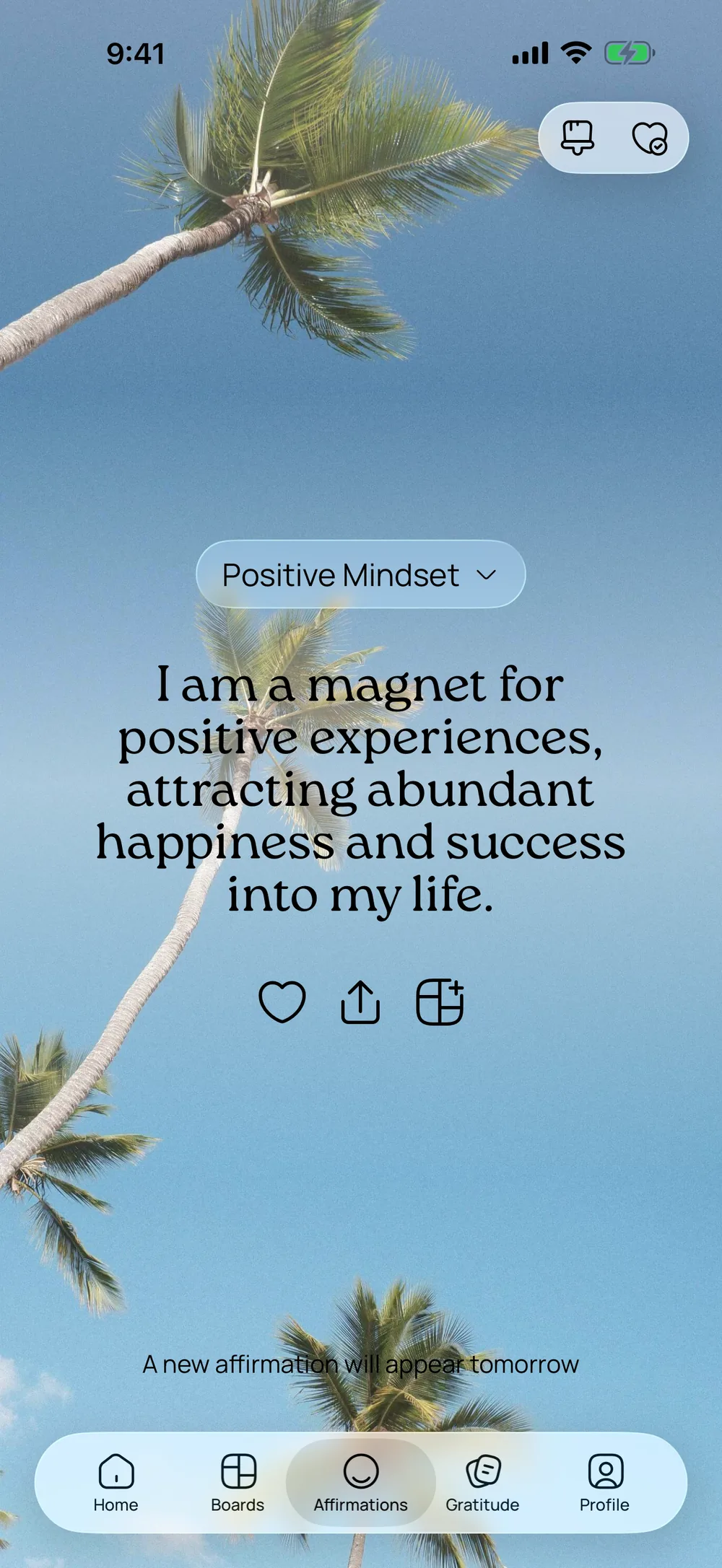
Put an affirmation on your vision board
- 01Tap the heart under an affirmation to save it to your Favorites.
- 02Open Favorites, tap the affirmation and choose Add to board.
- 03Pick your board. The affirmation shows up there as a note.
Frequently asked questions
Is the affirmations app free?
You can start for free: six topics with 841 affirmations and the home screen widget cost nothing. All 40 topics and more backgrounds and fonts come with VISIYA Plus, a one-time purchase with no subscription.
How do I add an affirmation widget to my home screen?
Touch and hold an empty spot on your home screen until the apps jiggle. Tap Edit, then Add Widget, search for VISIYA and pick Daily Affirmation. Swipe to small, medium or large and tap Add Widget.
Is there a lock screen affirmation widget?
No, the affirmation widget is for your home screen. What you can put on your lock screen is your vision board as a wallpaper, which is part of VISIYA Plus.
How often do I get a new affirmation?
Once a day, from the topics you picked. If you allow notifications, it comes as a short reminder in the morning. You can turn that off any time.
Your future is worth picturing
Start your vision board today — free on iPhone and iPad.
 Scan to download VISIYA on the App Store