Vision Board
Digital Vision Board: What It Is & Which App
What a digital vision board is, when it beats a poster on the wall, whether you can make one for free, and what to look for in a vision board app.

On this page
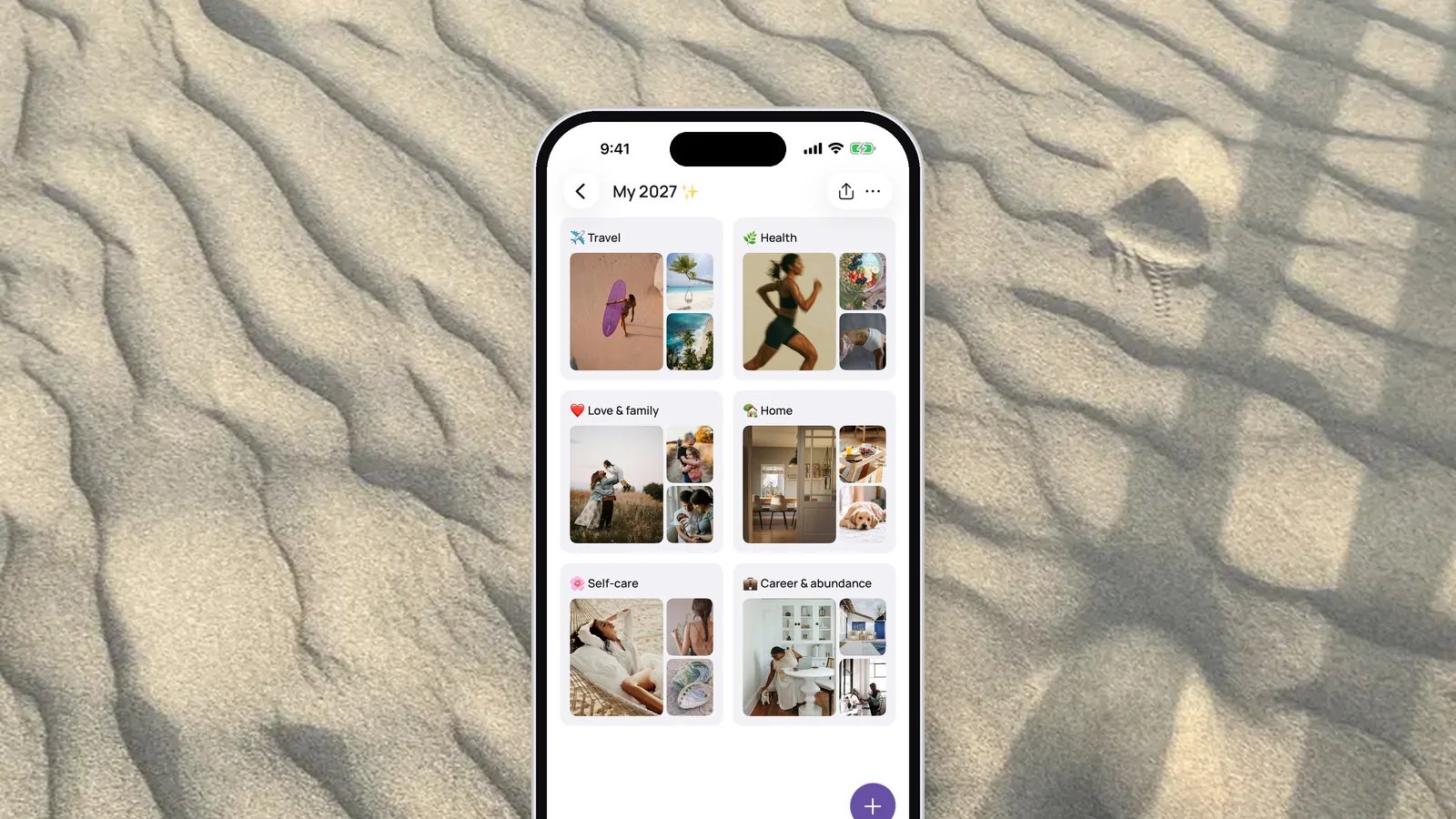
A digital vision board is the one you actually see every day. It sits on your phone, on your lock screen, on your iPad, and when a goal changes you swap a picture in a few seconds instead of digging out the glue stick. Below: what a digital board is, when paper still makes more sense, how far you can get for free, and what to look for in a vision board app.
Already know you want an app? We put the best vision board apps for iPhone side by side, prices included.
What is a digital vision board?
A digital vision board is a collage of your goals and dreams that lives on a screen instead of a wall. It does the same job as the poster-board version: pictures, quotes and affirmations that show you where you're headed.
The difference shows up in daily life. You drag pictures around with a finger, add a note or a link, and the whole thing travels with you. The groundwork is the same in any format: figuring out what you want and choosing pictures that mean something to you. Our step-by-step guide to creating your vision board covers that part.

Digital vs. paper vision board: which works better?
Both work. The one that wins is the one you look at.
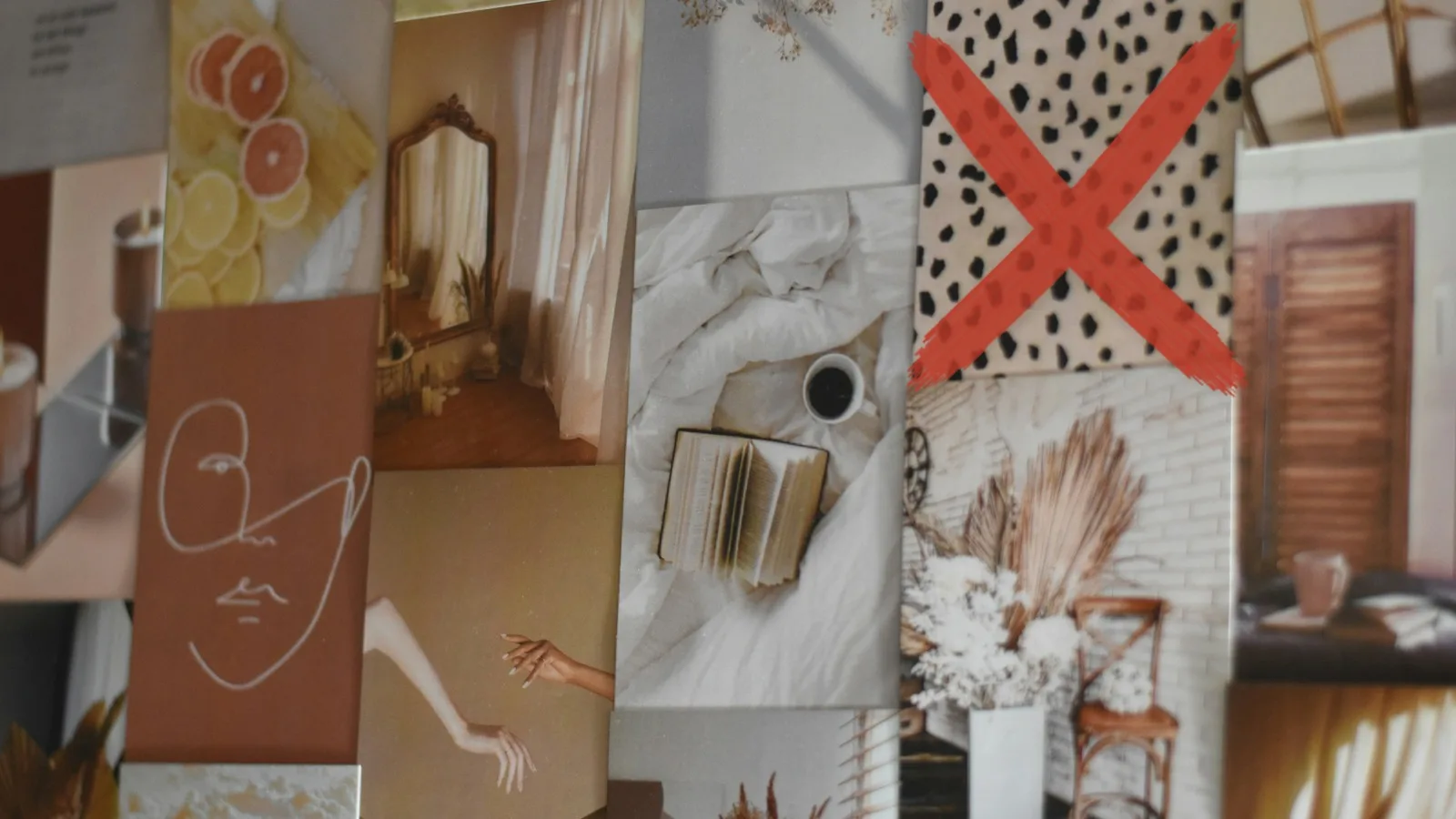
A paper board is a lovely ritual. Magazines, scissors, a glass of wine with friends on a January night. But it needs wall space, and when your goals shift you usually start over. Plenty of paper boards end up behind a closet door or in the hallway, where nobody really looks anymore.
A digital board is quicker to make and easier to keep alive:
- It changes when you do. Reached a goal? Take the picture out, put a new one in. No second craft night required.
- It holds more than pictures. Your own photos, notes, affirmations and links, say to an article or a video that fires you up.
- It stays organized. Health, love, career: each life area gets its own space, so nothing gets lost in one crowded collage.
- It shows up on your phone. As a home screen widget or a lock screen wallpaper, you see your board every time you pick up your phone.
If you still love the feel of paper, keep both. Lots of women make a paper board at a vision board party and keep a digital copy on their phone. For a sense of how little you need to go digital, see our list of digital vision board supplies. Not sure which kind of board fits your goal? See the types of vision boards.
Can you make a digital vision board for free?
Yes, and you have a few options. Canva and Apple's Freeform both let you lay out a board for free. You design it as one big image, then save it to your phone yourself. If you'd rather print, the templates on our vision board templates pages come with free PDFs to download.
VISIYA is an app for iPhone and iPad, so it doesn't run in a browser. One board is free for good: your own, filled with your photos, notes and links, or one of the six free templates with its areas already laid out. There are no ads. VISIYA Plus (one-time purchase, no subscription) adds more boards, the ready-made Plus templates, saving the lock-screen wallpaper and a widget that cycles through all your pictures. The full breakdown is on our free vision board app page.
Start your own vision board
Create a beautiful board in minutes — free on iPhone and iPad.

What should you look for in a vision board app?
Pick an app you enjoy opening, one that puts your board where you'll see it. These questions narrow it down fast:
- Can you pull in your own photos quickly, several at once?
- Can you sort the board by life area?
- Is there a home screen widget, or a way to make it your wallpaper?
- Are there ready-made templates for days you don't want to start from scratch?
- Do you pay once, or every month?
What does VISIYA do?
VISIYA has been on the App Store since 2024 and keeps getting updates. For the full tour, see the VISIYA vision board app page.
- A board in about a minute. Say what you want to manifest, tap the pictures you like, and your board is ready. After that you can add up to 10 photos at once from your photo library, snap one with the camera, or search Unsplash photos and GIPHY GIFs. Notes and links go on the board the same way.
- Ready-made templates. Boards for money, travel, the new year and more, each with its own areas and picture ideas already laid out. Six are free, including the Wheel of Life with all eight life areas; the rest come with VISIYA Plus. Your one free board can be a free template or your own.
- A home screen widget. The widget is part of VISIYA Plus and cycles through all your pictures. Without Plus, it shows just the first picture on your board.
- A lock screen wallpaper. VISIYA turns your board into a collage for your lock screen or home screen. You can preview it for free; saving it is part of VISIYA Plus.
- Shared boards. Invite your best friend or your partner with a link or a code, and you build the board together.
- Affirmations. Over 3,000 of them, so there's always a line that fits what you're working toward.
- A morning reminder. If you want one, VISIYA sends you a reminder each morning that your board is waiting.
And if you like to start a board on a waxing moon, our moon phase calendar shows you the current phase.

How do you make a digital vision board?
Start with your goals, then find a picture for each one. After that, the only thing that really counts is looking at your board every day. Our guide to making a vision board on your phone takes you through it on your iPhone, widget and lock screen included.
Frequently asked questions
What is a digital vision board?
A digital vision board is a collage of your goals and dreams that lives on your phone, tablet or computer instead of on a wall. It works like the paper kind, with pictures, quotes and affirmations, but you can change it in seconds and it goes everywhere your phone goes.
Is a digital vision board as effective as a paper one?
What matters is how often you look at it. A board on your home screen or lock screen gets seen dozens of times a day. A poster in the hallway tends to fade into the background after a few weeks. The format itself is a matter of taste.
Can I make a digital vision board for free?
Yes. Canva's free plan and Apple's Freeform app both work, and the printable templates on visiya.app are free downloads. In the VISIYA app for iPhone and iPad, one board is free for good: your own, filled with your photos, notes and links, or one of the six free templates with its areas already laid out. No subscription and no ads.
What's the best app for a digital vision board?
Pick one that pulls in your own photos quickly, has templates sorted by life area and puts your board on your home screen as a widget or wallpaper. Also check whether it charges monthly. VISIYA does all of that on iPhone and iPad, and VISIYA Plus is a one-time purchase, not a subscription.
Can I use my digital vision board as my phone wallpaper?
Yes. VISIYA turns your board into a collage for your lock screen or home screen. The preview is free; saving the wallpaper is part of VISIYA Plus. Our guide to making a vision board on your phone walks you through it.